
VR Simulation
The standalone CPR simulator you build and configure yourself.
Create your own scenarios in a web editor — adult, pediatric or neonatal patients; bleeding, choking and the hazards you choose — then run them in VR or in-app. Still standalone, still hand-tracked, now configured exactly the way you teach.
Web-based authoring
A web editor to create and customize every case.
From any browser, your educators assemble the scenario step by step: the patient, the setting, the complications, the language. Save it as a template, tweak it for the next group, and push it straight to the headsets — no code, no waiting on us.
What you configure
- Patient type — adult, pediatric, neonatal
- Setting — home, street, shopping mall, pool
- Bleeding, choking and secretions
- Hazards such as broken glass
- AED and rescue breaths
- Built-in quizzes and the session language
Through the lens
See exactly what your students see inside the headset.
This is the live simulation running on the headset — not a render. Bare hands, a virtual patient that responds, and real-time feedback on every compression.
- Chest compressions
- Airway & breathing
- AED / defibrillator
POV capture — CPR & Emergencies simulation.
The protocol, step by step
The full resuscitation sequence — exactly as students run it.
From securing the scene to the AED shock, every step is performed by hand and guided by on-screen holograms. This is the sequence the simulation walks students through.
-
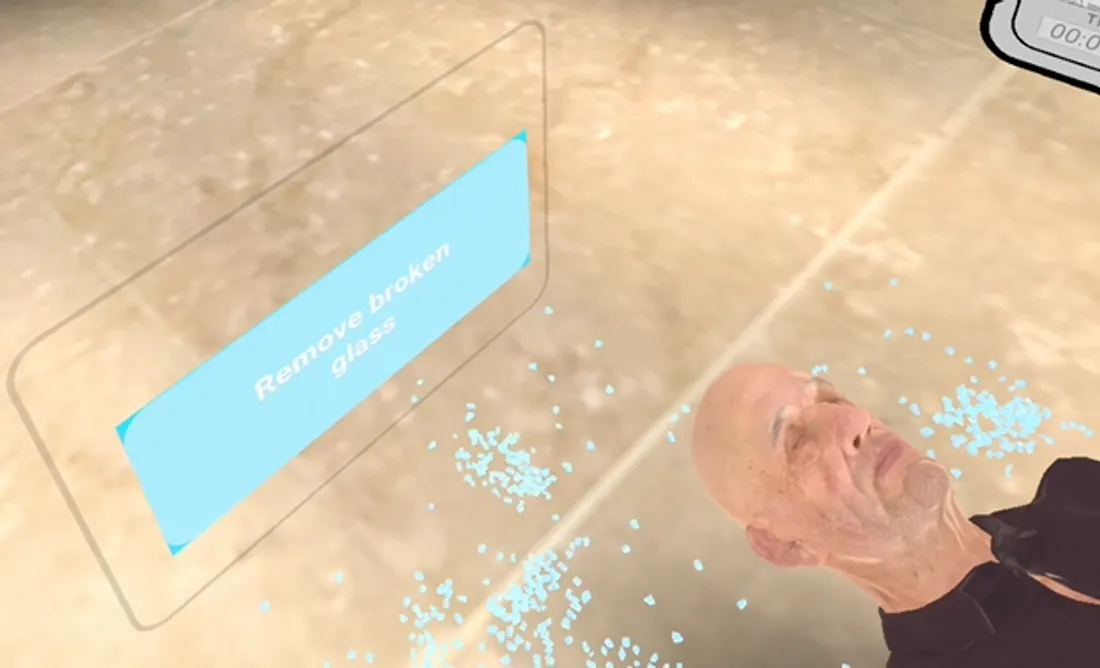
Clear the scene
Remove broken glass and hazards around the casualty — the scene has to be safe before anything else.
-
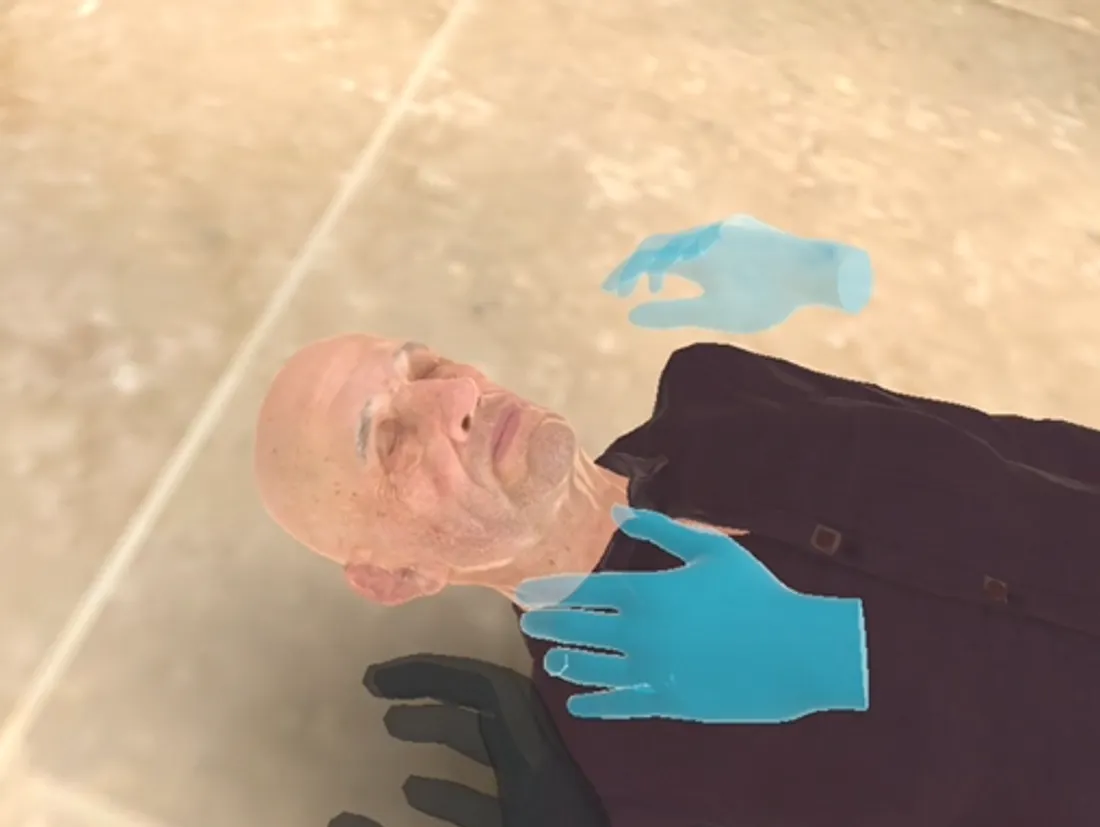
Check responsiveness
Place your hands on the hologram cue and shake the casualty by the shoulders to see whether they respond.
-
Call for help
Raise both arms to call for help. Bystanders may step in — or, if you are alone, you call the emergency number yourself.
-
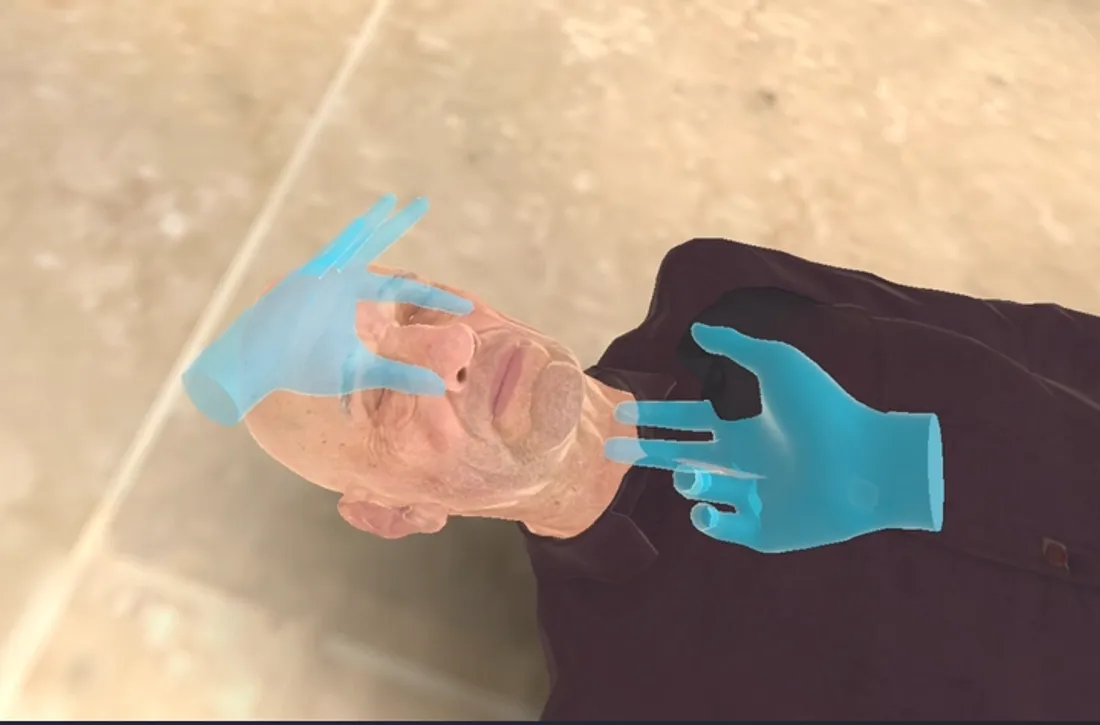
Open the airway
Follow the hologram to tilt the head and open the airway.
-
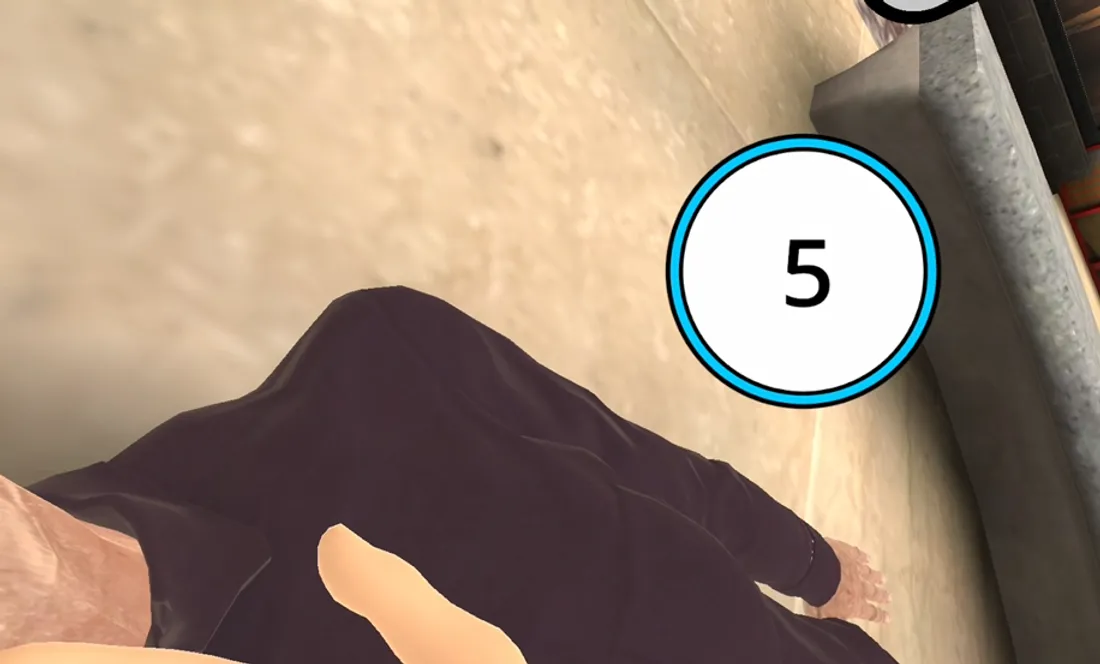
Check breathing
Bring your ear close to the mouth for five seconds and watch the chest to confirm whether they are breathing.
-
Expose the chest
Touch the casualty's shirt to open it and expose the chest for compressions and the AED pads.
-
30 compressions, 2 breaths
Place your hands exactly on the hologram and give 30 chest compressions, then two rescue breaths — the core CPR cycle, repeated.
-
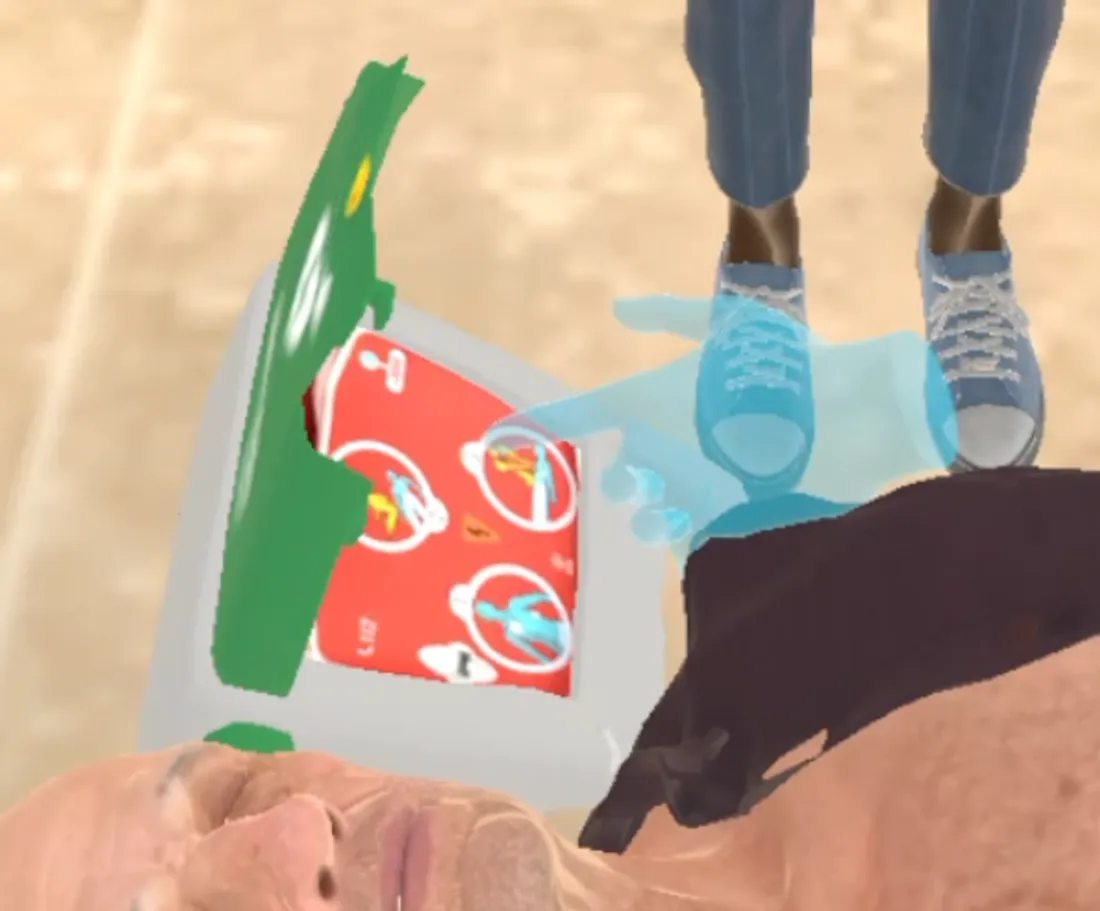
Use the AED
Apply the pads as the holograms show, press the button to deliver the shock, and resume compressions until the casualty recovers.
What makes it different
-
Hand tracking — no controllers
Students use their bare hands. The simulation tracks compression depth, rate, hand position, and technique in real time — giving feedback the way an instructor would, but automatically, for every student, every session.
-
Fully standalone
No PC required. No special mannequin. No calibration. Runs directly on the VR headset. Set up in minutes, deploy in any space.
-
Adapts to any mannequin
Already have CPR mannequins? The simulation works alongside them. Or use it without any physical mannequin at all — the virtual patient responds either way.
-
Language-specific sessions
Run sessions in English, Spanish, or other supported languages. Every instruction, feedback prompt, and debrief is delivered in the learner's language.
Session modes
Two ways to run a session.
-
Single user
One student, one headset. Independent practice at their own pace, with automatic feedback and a full performance record at the end of each session. Ideal for self-directed study and assessment.
-
Classroom projection
The instructor projects what the student in the headset sees to a classroom screen. The whole group observes, discusses, and learns together. Ideal for demonstrations, debriefs, and group teaching.
How a session runs
Every session follows the same loop — until it becomes second nature.
From the first scene assessment to the debrief, students run the full sequence as many times as they need.
- 01
Assess
Read the scene
The student arrives on the emergency, checks responsiveness, and calls for help — the first decisions that shape everything that follows.
- 02
Act
Compressions & airway
Hands-on CPR with live feedback on depth, rate, and hand position, plus airway management — corrected the moment technique slips.
- 03
Decide
Use the AED
The student attaches the AED, follows the prompts, and decides when to shock — practicing the judgement that counts under pressure.
- 04
Debrief
Review the performance
Every action is recorded. At the end, student and instructor review technique, timing, and protocol adherence — no guesswork.
Scenarios & variants
Same protocol, different pressure — two settings and three levels of help.
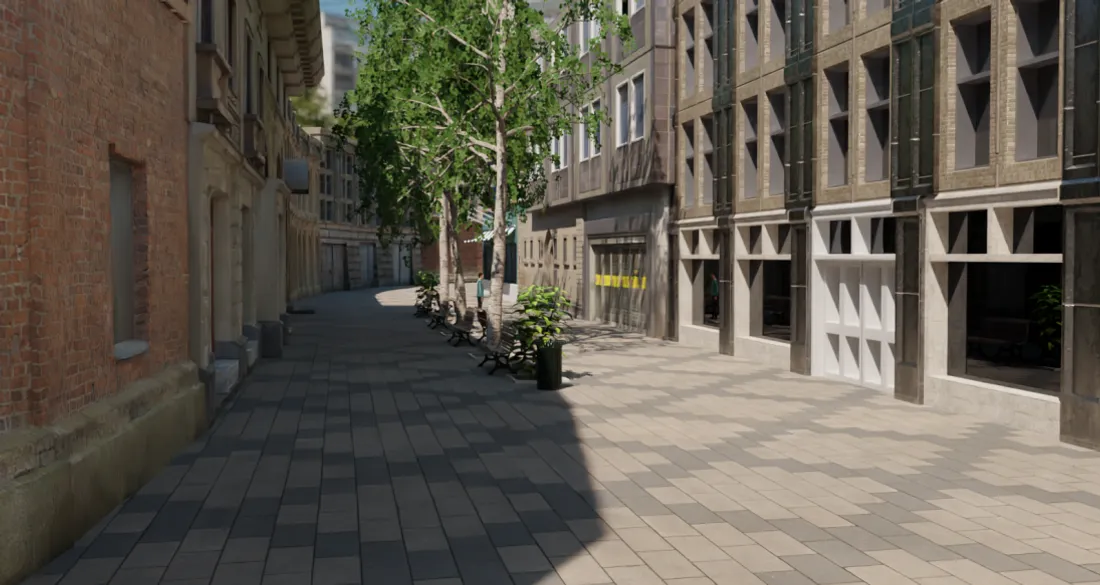
Street — outdoor emergency
A busy city street: open space, passers-by, and the unpredictability of an emergency out in the open.
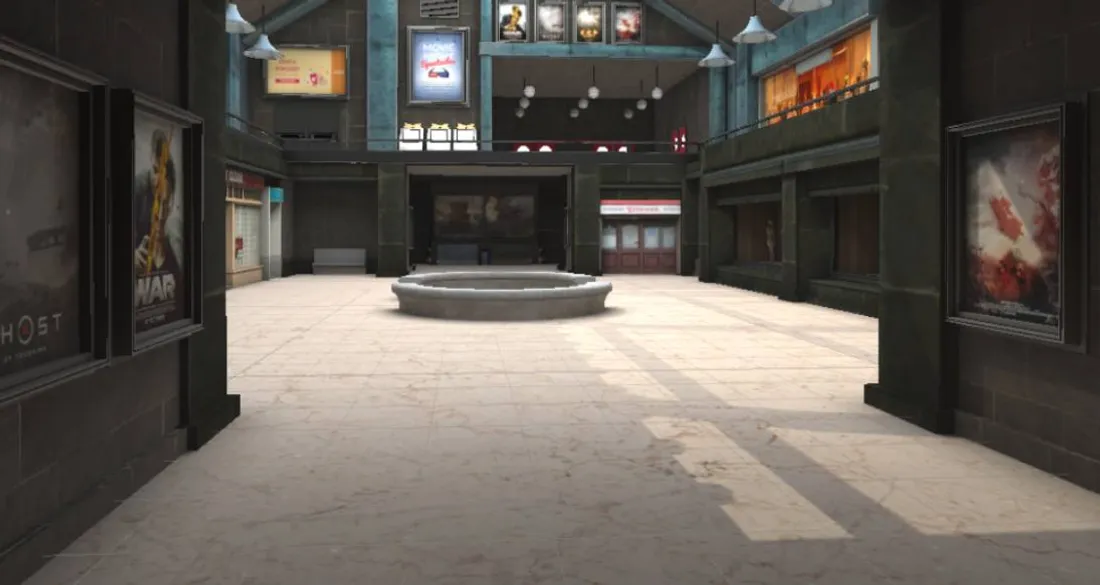
Shopping mall — indoor emergency
An enclosed public space with bystanders around — a different layout and a different kind of pressure.
Alone — nobody around
No one comes to help. The student calls the emergency number and runs the full resuscitation single-handed.
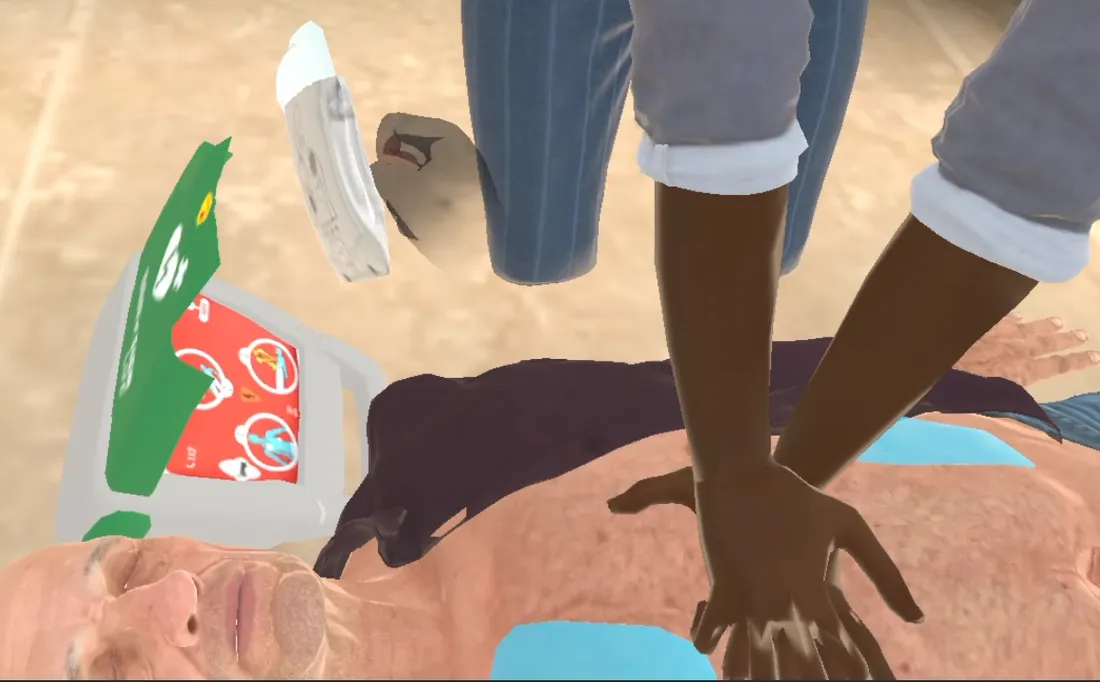
Bystanders place the AED pads
A bystander brings the AED and places the pads while the student manages the rest of the sequence.
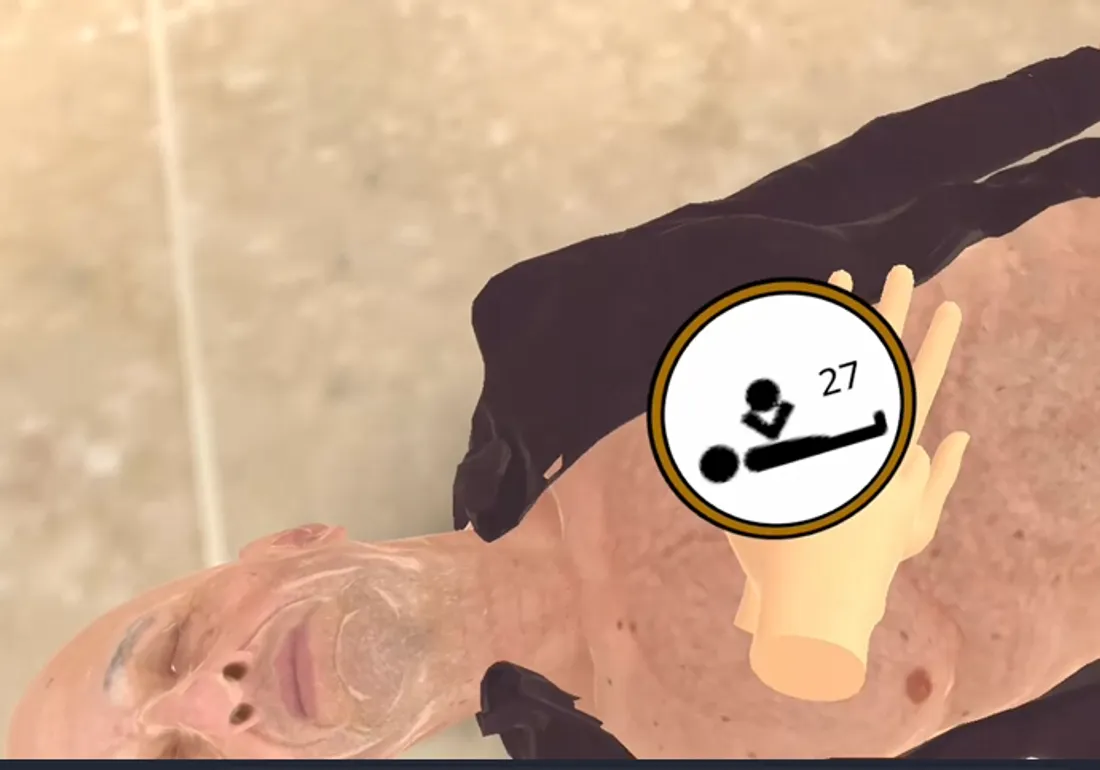
A bystander takes over compressions
One bystander performs the compressions while the student places the AED pads — coordinating a two-rescuer response.
What it covers
CPR & Basic Life Support
Full cardiac arrest sequence — scene assessment, call for help, chest compressions, AED use, and airway management. Real-time feedback on depth, rate, and hand position. Single and two-rescuer protocols.
First aid scenarios
Trauma assessment (ABCDE approach), bleeding control, fracture management, burns, anaphylaxis, and choking. Realistic patient presentation with changing parameters.
VR RESCUE
A large-scale flood with multiple casualties at different severity levels. Students apply the START triage protocol, prioritize patients with limited resources, and coordinate team response under time pressure — in a scenario that replicates the complexity and chaos of a real mass casualty event.
Who it's for
- Health sciences university programs
- Nursing and paramedic training
- Hospital emergency staff
- Civil protection and first responder organizations
- Health sciences vocational programs
- CNA programs
From the blog
Keep exploring this topic.
 Practical training
 Practising CPR in virtual reality: training the reflex before the emergency
Cardiac arrest gives you minutes, not hours. Virtual reality lets students and health professionals rehearse cardiopulmonary resuscitation (CPR) again and again, so that when a real heart stops, the hands already know what to do.
 Simulation & VR
 VR emergency training: practise the crisis before it is real
Emergencies leave no room to rehearse. Virtual reality lets healthcare teams live high-stakes situations — fires, chemical spills, hospital evacuations — and make the hard calls in a place where a mistake hurts no one.
 Simulation & VR
 Why repetition is the missing piece in clinical training
On a real placement, a student might face a critical scenario once. In simulation, they can rehearse the same case again and again. That difference is what turns knowledge into skill.
GET STARTED
See it with your own hands in a demo.
No other CPR simulator works like this. The fastest way to understand why is to try it — we'll set up a session with your team in 20 minutes.
Thanks — we’ve got your request.
We’ll be in touch within one business day.